What Suede Agent Studio is
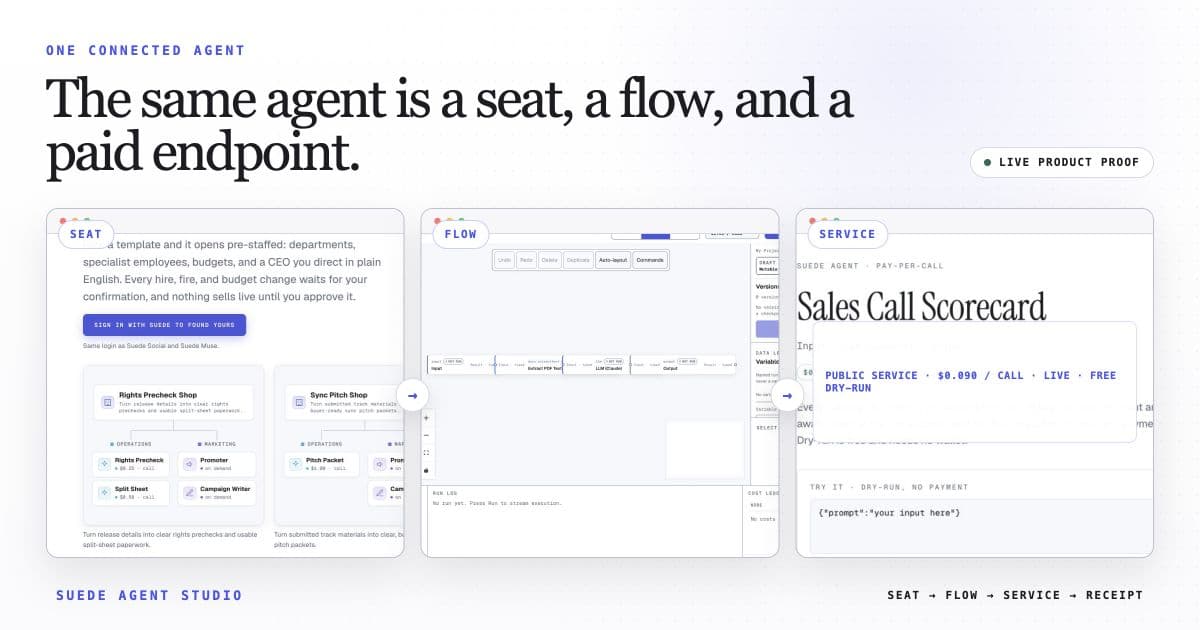
A visual builder and launcher for agent workflows. You wire nodes on a canvas; the studio publishes the service, its HTTP route, and its current preview, payment-enabled, or unavailable state. Payment is enabled separately after readiness checks.
Flows in, endpoints out
A flow is a graph: a trigger node starts it, LLM and tool nodes do the work, logic nodes route and reshape data, and an output node defines the result. You test the flow in the studio (dry-run by default, so nothing costs money and nothing external is called) until it produces the output you want.
Launching publishes that flow as an agent: a public page, a directory listing, and a run endpoint at POST /api/agents/<id>/run. For an ordinary standalone service, publication may expose a dry-run preview. Company or otherwise unready services may be unavailable. A price is an intended rate, not payment enablement; after deployment, payout, platform, and company checks pass and payment is enabled, the endpoint issues x402 challenges. Every settled call routes to your payout address. Details live in Payments.
Four parts around one contract
A visual editor where you drag nodes from a palette and wire them with edges. Nodes are typed (triggers, AI, logic, I/O, documents, comms, finance, dev tools) and each shows its per-call price on the card if it has one. The canvas edits a plain data structure, not code.
Every flow is a FlowGraph: a list of nodes with typed params and a list of edges connecting outputs to inputs. Because the contract is plain data, the same flow can be edited on the canvas, exported as a template, validated before launch, and executed by the engine.
Runs a graph in topological order: each node executes when its inputs are ready. The engine keeps a per-node USDC cost ledger, halts downstream work when a node on the main path errors, guards subflow depth, and enforces a per-run spend ceiling before every cost-bearing node.
The hosted API around the engine: flow CRUD, streamed runs, cron triggers, signed webhooks, and public call-state discovery. Ordinary standalone services may preview; payment-enabled services expose x402 terms; others may be unavailable.
Canvas, code, or templates
The canvas is the primary setting, and 88 templates cover common business workflows (lead scoring, invoice chasing, contract review, support triage, PR digests) so most flows start from a working example rather than a blank page. The @suedeai/agents SDK is the code setting: define an agent in TypeScript and push it live from the terminal, or run it on your own server and let the platform relay preview calls and, when enabled, settled paid calls.
The current public Suede gateway inventory has 3 pay-per-call routes: music, video, and image generation. Each public route carries a fixed USDC price listed on Pricing.
Run on your terms
Choose how work starts. Run a flow yourself or trigger it with a schedule, webhook, or paying caller. Set per-run ceilings and daily budgets to control spending.
Enable payments when your service is ready. Complete deployment, payout, and platform checks, then switch on settlement. Use available previews to test flow logic before paid calls.
Put your service where buyers can find it. Published agents appear in the directory, JSON catalog, AgentCard, and A2A interface. The x402 index reports each service's call state and includes active payment terms for payment-enabled services.
Choose the right nodes for launch. Build live flows with supported runtime nodes. Use the Connector Lab's API Operation node for simulation; the launch API keeps simulation-only nodes out of live agents.
Where to go from here
Building flows covers nodes, edges, and testing, and the node reference lists the full catalog. Launching covers going live, Architecture what runs underneath. API for callers documents the endpoint from the buyer's side. Prefer prose? Start with the introduction to agentic workflows.