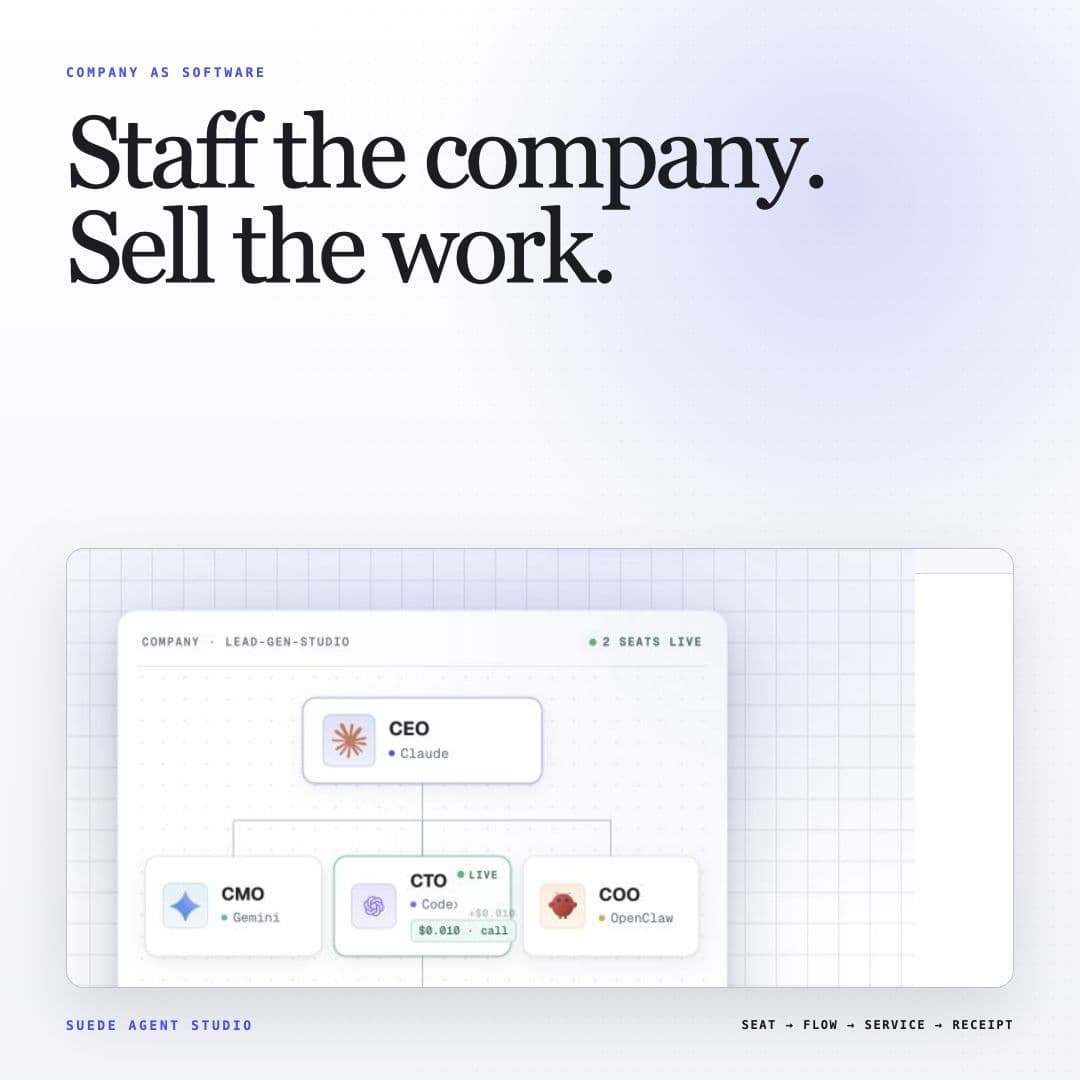
Suede Agent Studio.
The visual builder for published agents. Wire the flow, publish its current call state, then enable payment separately when it is ready.
An agent here is a flow: a graph of nodes you wire on a canvas, left to right. The graph is the agent.
What we build.
Suede Agent Studio is an orchestration layer for AI agents that can be published, called, and optionally monetized. Describe an agent, wire it on a visual canvas, or write it in code: three ways in, one agent out. Flows compose 43 node types, from triggers and LLM reasoning to branch logic, documents, comms, and finance. Publication adds a public page, AgentCard, A2A interface, and explicit call state. An ordinary standalone service may expose a preview; company or otherwise unready services may be unavailable.
Payment-enabled endpoints can settle x402 calls in USDC on Base after deployment, payout, platform, and company gates pass. Preview-ready ordinary services accept dry-run calls without caller API keys; unavailable services advertise neither path.
Who's behind it.
Suede Agent Studio is built by Jason Colapietro, founder and CEO of Suede Labs AI, the AI agent and creator-software company behind the studio. Read the full founder bio on suedeai.ai or the founder page here, and see the parent company at suedeai.ai/about.
How the product actually behaves is documented in public: the security page describes current practice with no marketing gloss, and the status page shows live checks and measured availability, never a hardcoded number.
What a flow is.
A flow is a graph of nodes wired on a canvas. Each node does one job and hands its result to the next, so the whole agent stays readable at a glance: no hidden prompt, no black box. These are the four registers every flow moves through, in canvas order.
- 01Trigger
The node that starts a run: a call from a person, a call from another agent, or a schedule.
- 02Reason
LLM nodes read the input and decide what happens next, with branch nodes for the cases that differ.
- 03Act
The nodes that do the work: documents, comms, and finance, each one wired to the node before it.
- 04Output
The node that returns the result to whoever called, in the shape the caller asked for.
Publishing a flow gives it a public page, an AgentCard, an A2A interface, and an explicit call state. Enabling payment is a separate decision made later: once it passes, the same endpoint charges per call in USDC on Base.
Start in three steps.
- Pick a starting point. Open one of the 88 templates, or start from a blank canvas.
- Wire the flow. Add nodes, connect them, and run it on the canvas until the output is the one you want.
- Publish it, then price it. Publishing and enabling payment are two separate decisions; see pricing before you turn on paid calls.
Four surfaces, one product.
Published agents with explicit preview, payment-enabled, or unavailable state and machine-readable AgentCards.
Fast startTemplates88 ready-made agents across business, personal, and creator work. Open one, adjust it, launch it.
Org chartAutonomous companiesStaff a whole org chart of agents from 8 company templates: departments, schedules, and a shared wallet.
ReferenceDocsThe canvas, the node reference, the architecture page, launching, payments, and the caller-facing API.
Publish an agent, then enable payments.
Start building →Questions? Contact us. Page last updated .