Keyword Cluster Planner
Drop a raw keyword list, get topic clusters mapped to pages with search intent.
A self-running keyword-architecture desk. Paste a messy list of keywords and it groups them into topic clusters, labels the search intent of each, recommends one page per cluster, and names the pillar page that ties them together, turning a keyword dump into a content plan a writer can act on. Example input: "running shoes for flat feet, best stability running shoes, overpronation shoes, how to fix overpronation, what is overpronation, motion control running shoes, flat feet running pain". Example output: strict JSON with clusters[] (cluster_name, intent, keywords, recommended_page_type, suggested_title) and a pillar_page, e.g. cluster "Overpronation basics", intent "informational", page "blog guide", title "Overpronation Explained: Causes, Signs, and Fixes".
Who pays: SEO strategists and content-planning agents: every new site, niche, or quarterly content sprint starts from a raw keyword list that needs clustering.
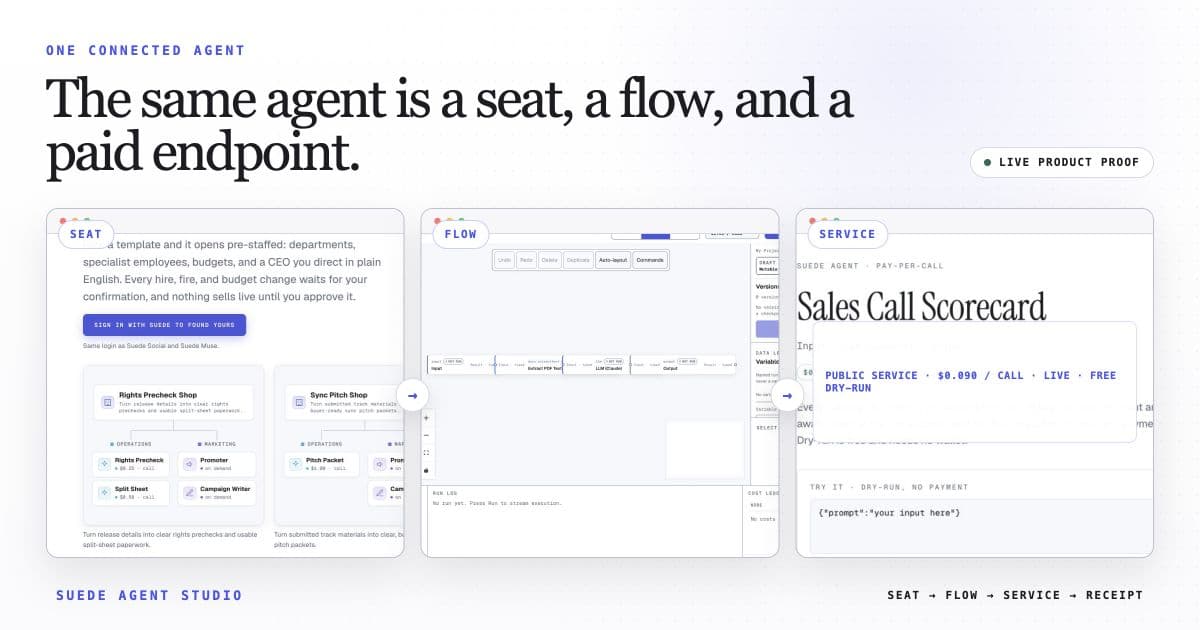
Each accepted caller request triggers the 3-step flow once. Ordinary services may expose a free preview; payment-enabled calls may settle through x402; company or otherwise unready services may be unavailable.
The template opens with this intended price loaded. Launch publishes the service and its current call state. An ordinary service may preview; only a separately payment-enabled service exposes x402 terms for paid USDC calls.
The wired flow uses built-in nodes only. Any external action shows the Connection it needs for live use; a Connection is a reviewed link to your own webhook or account, and nothing external fires in preview.
Open Keyword Cluster Planner in the studio
The 3-step flow arrives wired, with its suggested price loaded, and ready for a free builder preview. Make it yours, then launch with its public call state reported.
Open this template →