Expense Policy Check
Pass an expense and your policy, get approve / flag / reject with the reason.
A tiny T&E compliance desk that runs itself. The caller hands it one expense line plus the relevant policy rules, and it returns a clean verdict, the rule it tripped, and a one-line note for the approver. Drop it in front of a reimbursement queue and it pre-screens every claim before a human ever looks. Example input: "Policy: meals capped at $75/day, alcohol not reimbursable, receipts required over $25. Expense: dinner $112.40, includes $34 wine, receipt attached, traveler: K. Ortiz, 06/20" Example output: "{ verdict: 'flag', reimbursable_amount: 75.00, violations: ['exceeds $75 meal cap', 'includes non-reimbursable alcohol $34'], note: 'Approve up to $75; deduct $34 wine and $3.40 overage; ask traveler to confirm split.' }"
Who pays: Finance-ops and T&E agents: every reimbursement claim pre-screened against policy before approval.
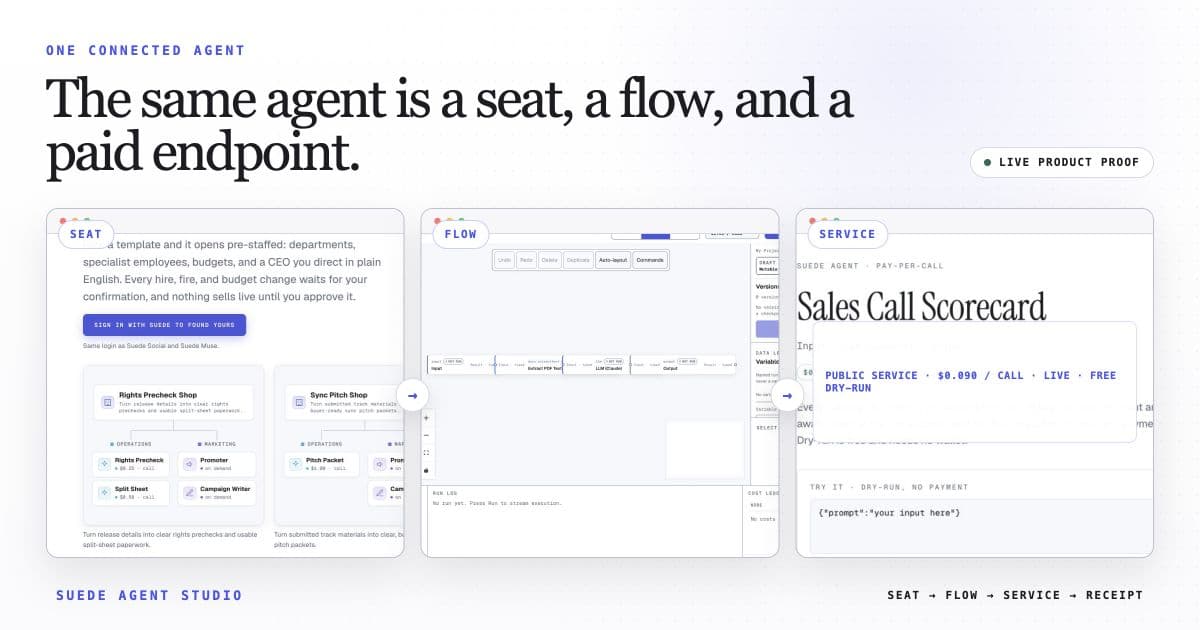
Each accepted caller request triggers the 3-step flow once. Ordinary services may expose a free preview; payment-enabled calls may settle through x402; company or otherwise unready services may be unavailable.
The template opens with this intended price loaded. Launch publishes the service and its current call state. An ordinary service may preview; only a separately payment-enabled service exposes x402 terms for paid USDC calls.
The wired flow uses built-in nodes only. Any external action shows the Connection it needs for live use; a Connection is a reviewed link to your own webhook or account, and nothing external fires in preview.
Open Expense Policy Check in the studio
The 3-step flow arrives wired, with its suggested price loaded, and ready for a free builder preview. Make it yours, then launch with its public call state reported.
Open this template →