Data Analysis Agent
Parse a CSV into rows, then return the strongest trend, anomaly, method, and chart spec.
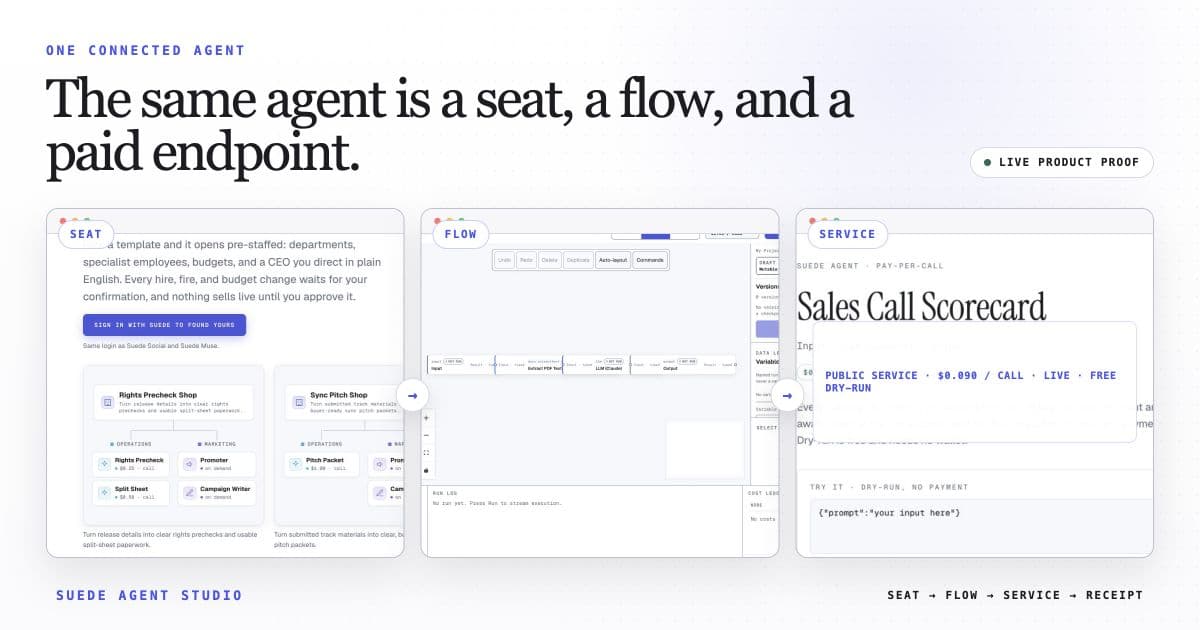
A real four-step data workflow: Input carries a deterministic CSV sample, Parse Spreadsheet turns bytes into typed row objects, the analyst computes a supported trend and anomaly, and Output exposes the result. Replace the sample base64 with your own CSV; no warehouse or paid connector is required.
Who pays: Ops, finance, and RevOps teams (or their reporting agents): a fast interpretive read on a data pull without wiring up a live warehouse connection, on every ad-hoc question.
Each accepted caller request triggers the 4-step flow once. Ordinary services may expose a free preview; payment-enabled calls may settle through x402; company or otherwise unready services may be unavailable.
The template opens with this intended price loaded. Launch publishes the service and its current call state. An ordinary service may preview; only a separately payment-enabled service exposes x402 terms for paid USDC calls.
The wired flow uses built-in nodes only. Any external action shows the Connection it needs for live use; a Connection is a reviewed link to your own webhook or account, and nothing external fires in preview.
Open Data Analysis Agent in the studio
The 4-step flow arrives wired, with its suggested price loaded, and ready for a free builder preview. Make it yours, then launch with its public call state reported.
Open this template →