FNOL Claim Summarizer
Turn any messy first-notice-of-loss into a clean, structured claim file.
A tiny self-running claims-intake desk. Paste the raw first-notice-of-loss (the adjuster's call notes, the policyholder's email, the form dump) and it returns one structured claim file: parties, dates, loss type, location, cause, severity band, coverage line, and the missing fields someone has to chase. It never decides the claim; it just makes the intake clean so the adjuster starts at minute ten, not minute zero. Example input: a 300-word voicemail transcript where a driver rear-ends someone in a parking lot, no police report, photos promised later. Example output: strict JSON with claimType "auto - collision", lossDate, namedInsured, claimantOrThirdParty, locationType "parking lot", policeOrIncidentReport false, severityBand "minor", summary, and missingFields ["police report number","third-party insurer","photos"].
Who pays: Claims-intake teams and FNOL bots: every new loss report gets normalized into a structured file before an adjuster touches it.
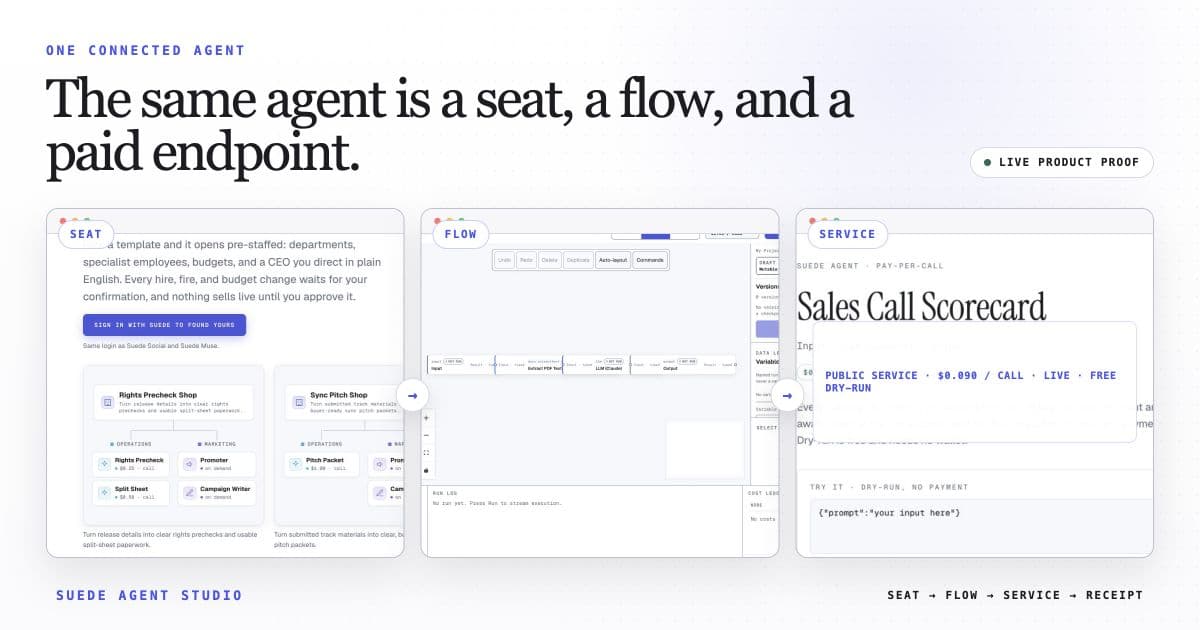
Each accepted caller request triggers the 3-step flow once. Ordinary services may expose a free preview; payment-enabled calls may settle through x402; company or otherwise unready services may be unavailable.
The template opens with this intended price loaded. Launch publishes the service and its current call state. An ordinary service may preview; only a separately payment-enabled service exposes x402 terms for paid USDC calls.
The wired flow uses built-in nodes only. Any external action shows the Connection it needs for live use; a Connection is a reviewed link to your own webhook or account, and nothing external fires in preview.
Open FNOL Claim Summarizer in the studio
The 3-step flow arrives wired, with its suggested price loaded, and ready for a free builder preview. Make it yours, then launch with its public call state reported.
Open this template →